Code Reader 1200 User Manual Page 26
- Page / 39
- Table of contents
- BOOKMARKS

- Code Reader 1200 1
- Code Reader 1210™ 1
- Table of Contents 4
- 1.1 - Introduction 7
- 1.3 - About This Document 8
- Chapter 2 - Getting Started 9
- 2.1 - Unpacking 10
- 2.2 - Installing 10
- 2.2.1.3 - Keyboard Support 11
- Save Settings 12
- PS/2 Factory Reset 12
- 13
- 3.1 - Specifying Feedback 16
- 3.2 - Targeting 17
- 4.1 - Operational Modes 21
- Chapter 5 - Setting Symbology 22
- 5.1 - Aztec Symbology 23
- 5.2 - Codabar Symbology 23
- 5.3 - Codablock F Symbology 23
- 5.5 - Code 39 Symbology 24
- 5.4 - Code 11 Symbology 24
- 5.6 - Code 93 Symbology 25
- 5.7 - Code 128 Symbology 25
- 5.8 - Composite Symbologies 25
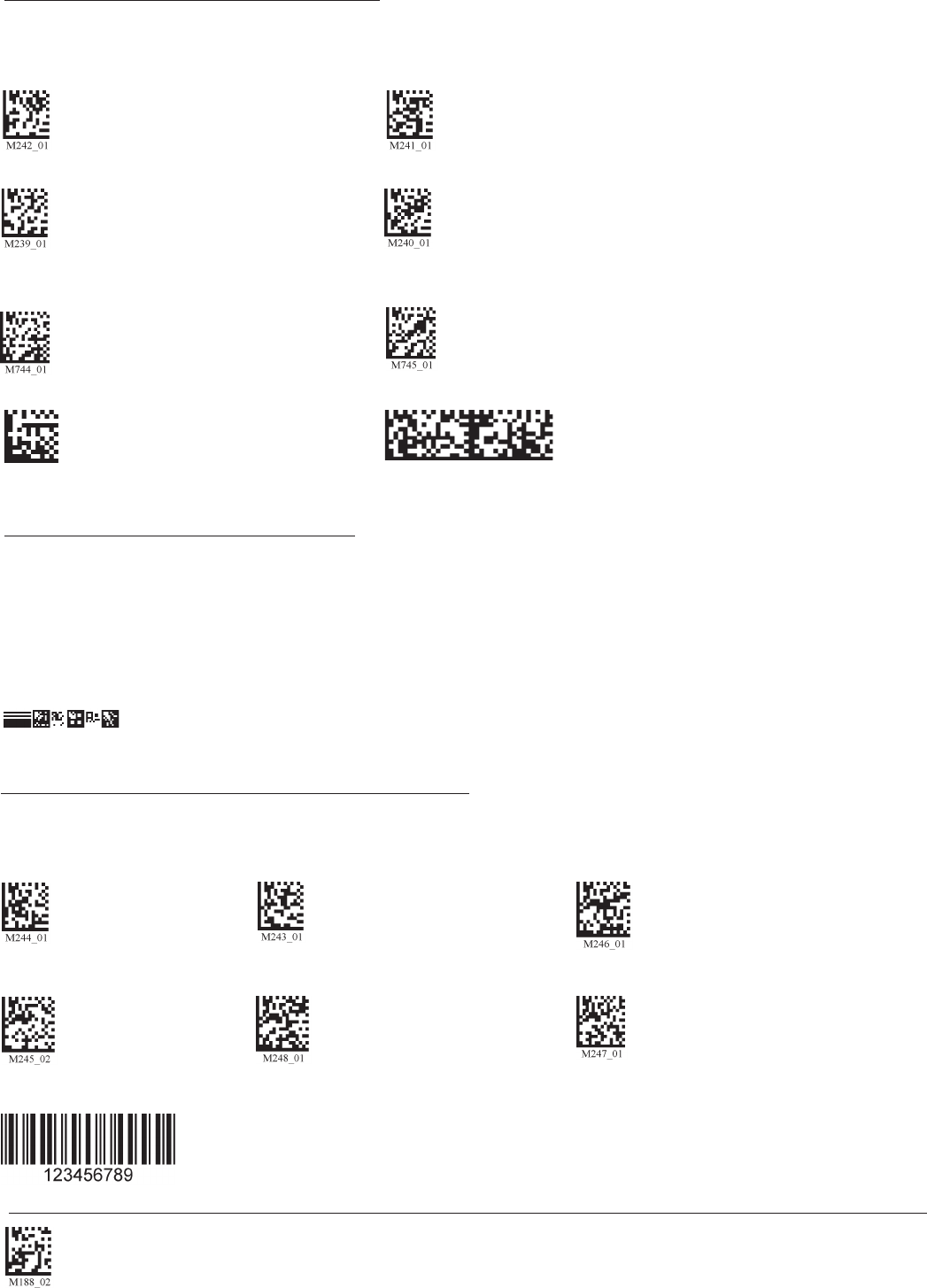
- 5.9 - Data Matrix Symbology 26
- 5.10 - GoCode Symbology 26
- 5.14 - Micro PDF417 Symbology 27
- 5.15 - MSI Plessy Symbology 27
- 5.16 - NEC 2 of 5 Symbology 27
- 5.12 - Maxicode Symbology 27
- 5.18 - PDF 417 Symbology 28
- 5.19 - Pharmacode 28
- 5.20 - Postal Symbologies 28
- 5.21 - QR Code Symbology 29
- 6.3 - Mirror Decoding 33
- 6.4 - Adding Prex Settings 33
- 6.6 - Reader Text Commands 34
- 7.6 - CR1200 Accessories 39
- 7.8 - CR1200 Maintenance 39
Related products and manuals for Bar code readers Code Reader 1200
 (15 pages)
 (13 pages)
(2 pages)
(62 pages)
(10 pages)
(2 pages)
(2 pages)
(2 pages)
(13 pages)
(2 pages)
(62 pages)
(10 pages)
(2 pages)
(2 pages)
(2 pages)
© 2020, manymanuals.com. All rights reserved. | 0.031 s |
 Manymanuals.com
 Manymanuals.de
 Manymanuals.fr
 Manymanuals.it
 Manymanuals.pl
 Manymanuals.cz
 Manymanuals.es
 Manymanuals-pt.com
Comments to this Manuals